🚚 Free Worldwide Shipping on All Orders!Shop Now

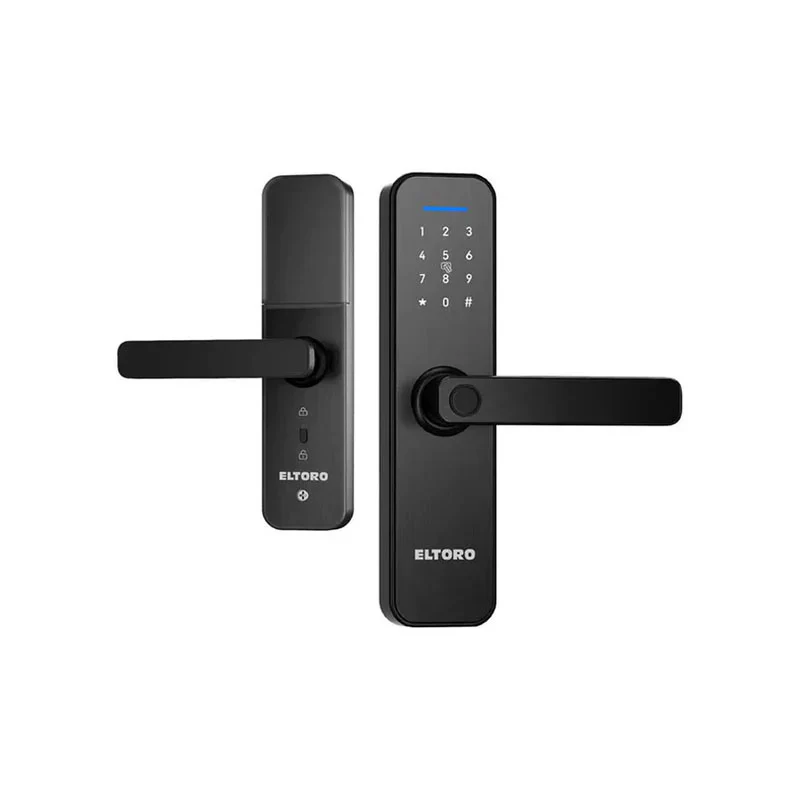
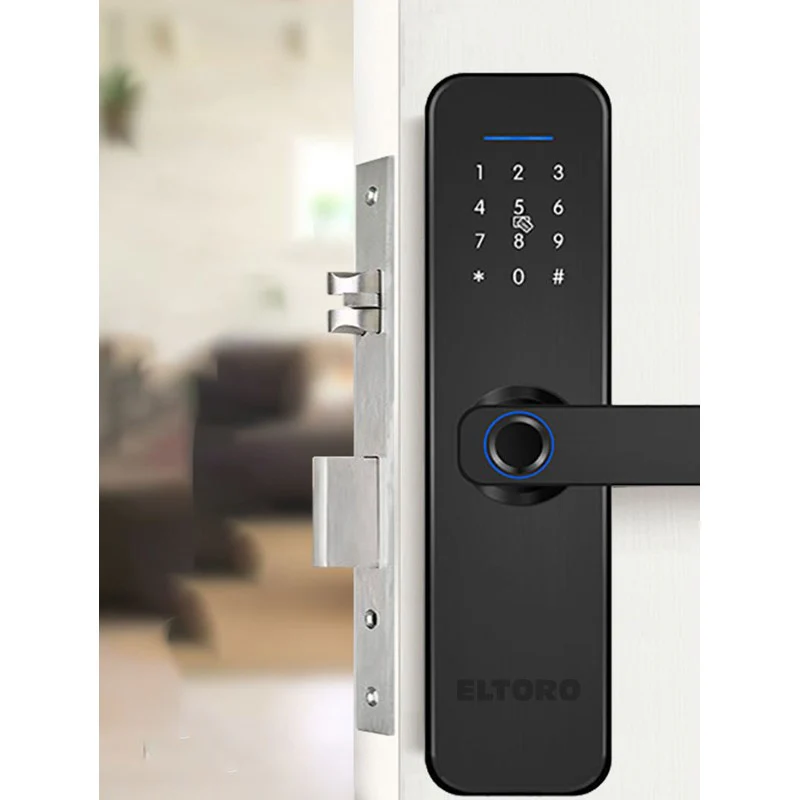
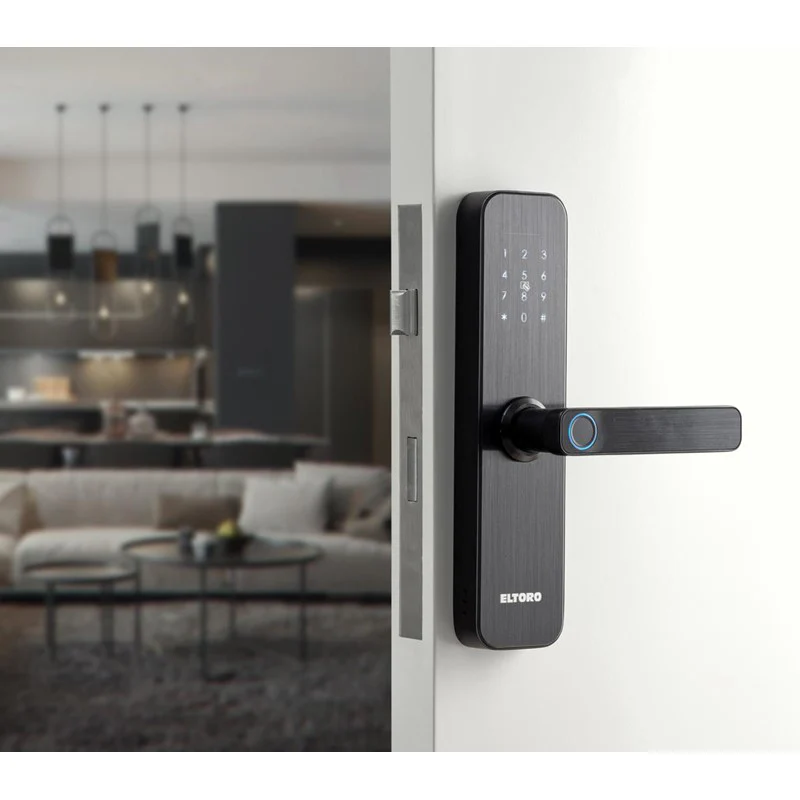
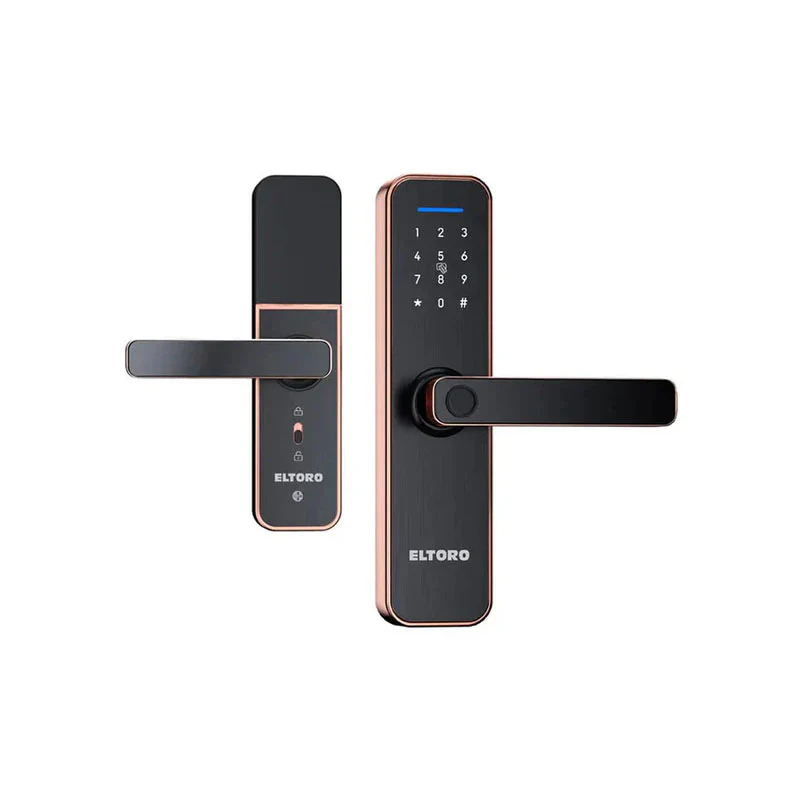
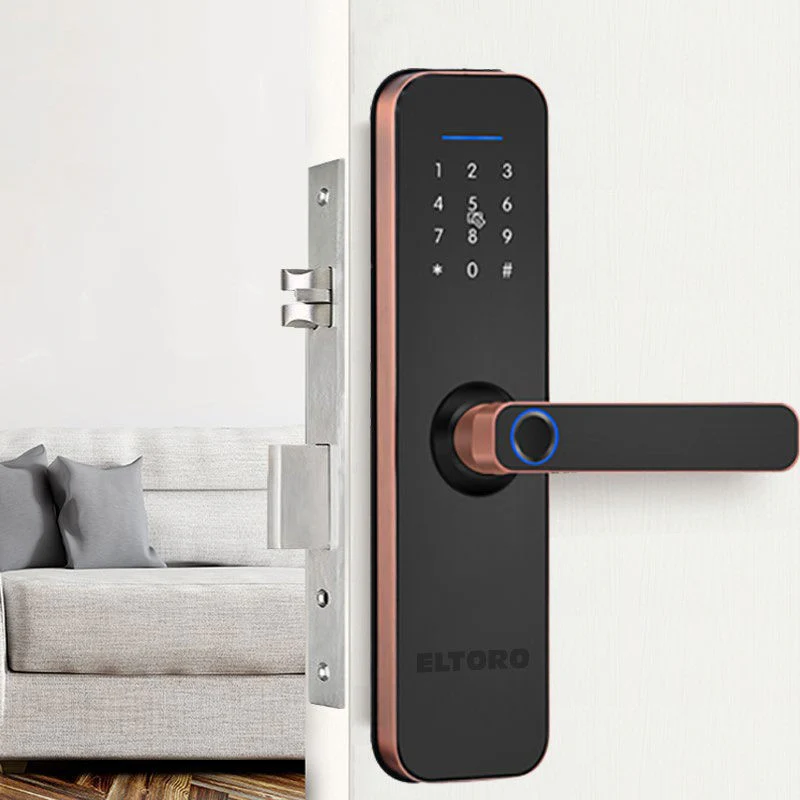
Eltoro Smart Lock + Access Card For The Smart Lock 2 Pcs - Black
Eltoro Eltoro Smart Lock - Black |
Open the battery compartment. Locate the settings button. Press and hold the settings button for 5 Seconds, then you will hear “Initilazation Successful”. |
You can add up to 3 administrators. After the initialization state Short Press the settings button You will hear “ Please add administrator information” The administrator can be added by fingerprint, password or card. |
The first 3 users will be considered as Administrators,New user can be added using fingerprint, password of 6 digits or by card |
Specifications: |
Brand |
Eltoro |
Color |
Black |
Product Type |
Smart Lock |
Number Of Pieces |
2Pcs |
$222.42
Eltoro Smart Lock + Access Card For The Smart Lock 2 Pcs - Black—
$222.42
Product Information
Product Information
Shipping & Returns
Shipping & Returns
Description
Eltoro Eltoro Smart Lock - Black |
Open the battery compartment. Locate the settings button. Press and hold the settings button for 5 Seconds, then you will hear “Initilazation Successful”. |
You can add up to 3 administrators. After the initialization state Short Press the settings button You will hear “ Please add administrator information” The administrator can be added by fingerprint, password or card. |
The first 3 users will be considered as Administrators,New user can be added using fingerprint, password of 6 digits or by card |
Specifications: |
Brand |
Eltoro |
Color |
Black |
Product Type |
Smart Lock |
Number Of Pieces |
2Pcs |