🚚 Free Worldwide Shipping on All Orders!Shop Now


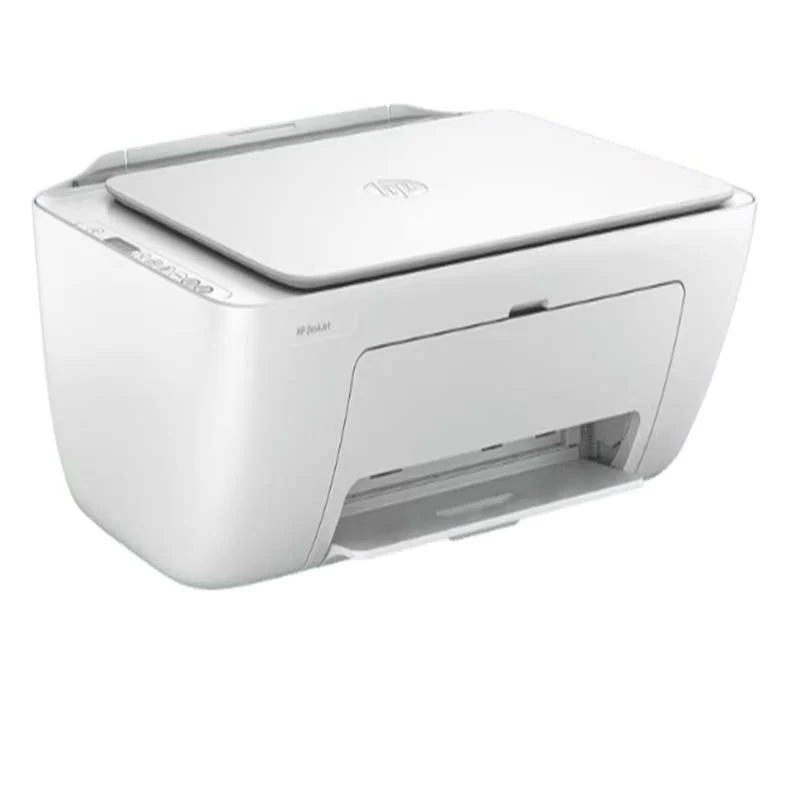
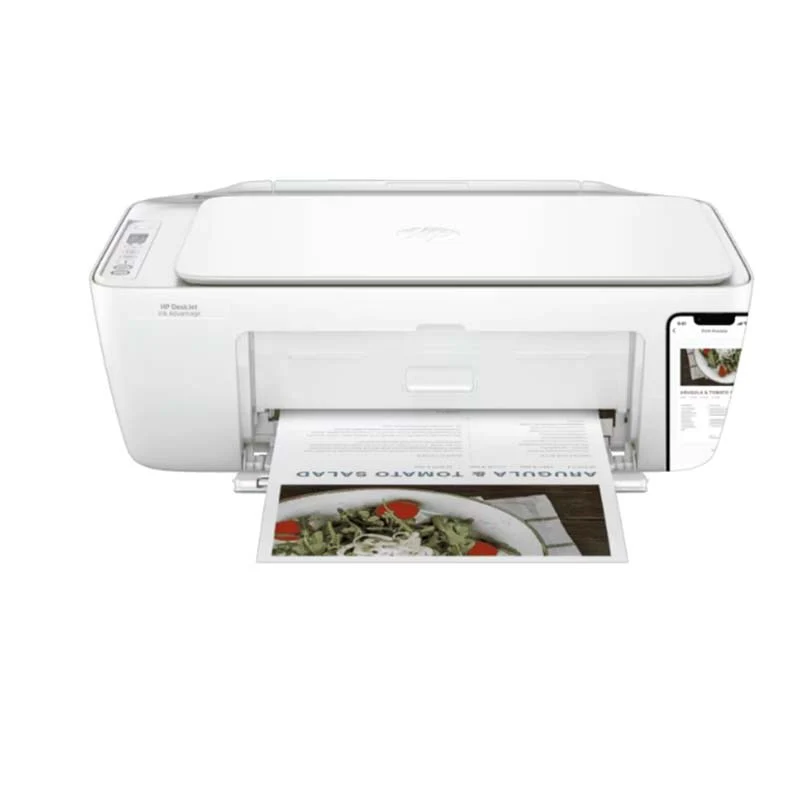
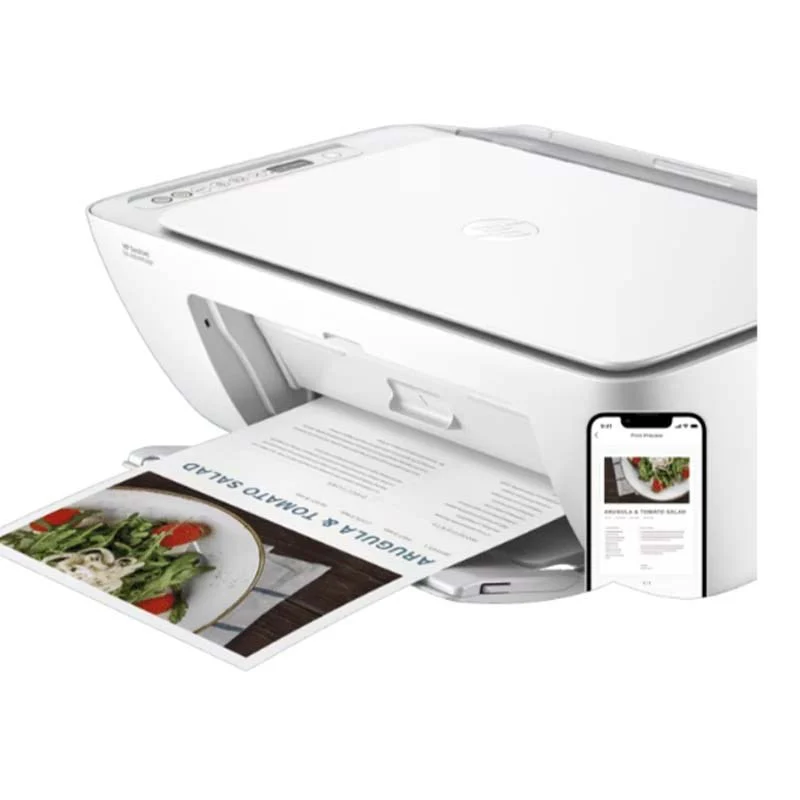
HP DeskJet Ink Advantage 2875 All-In-One Printer
HP DeskJet Ink Advantage 2875 All-In-One Printer |
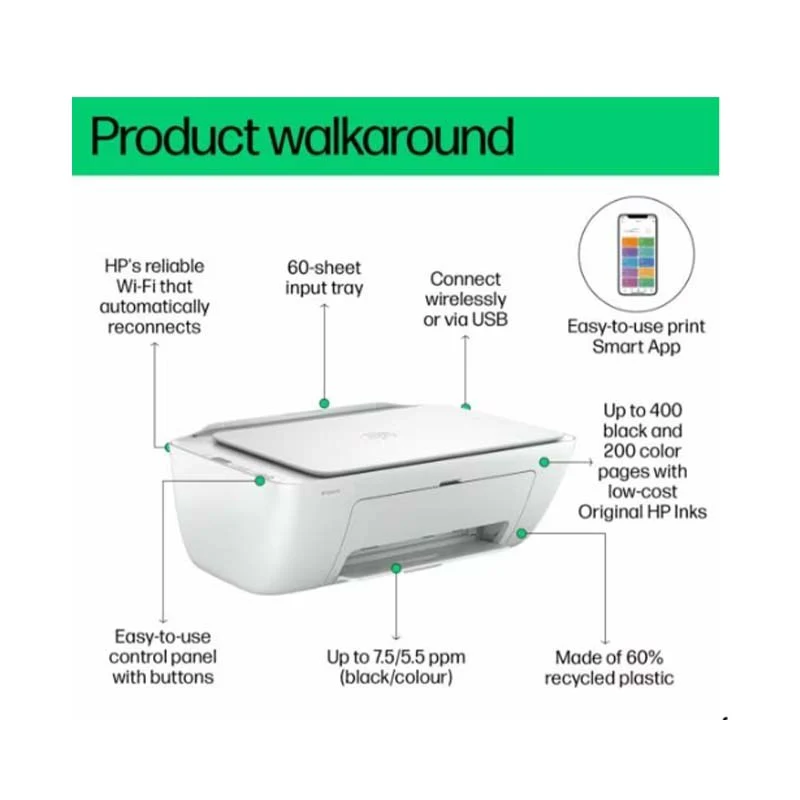
Versatile All-in-One FunctionalityThe HP DeskJet Ink Advantage 2875 is a multifunction printer that allows you to print, scan, and copy documents all in one device.This versatility makes it a great choice for home users or small offices looking for a reliable, space-saving solution.Wireless Connectivity for ConvenienceEquipped with wireless capabilities, the HP DeskJet Ink Advantage 2875 allows you to print directly from your smartphone, tablet, or computer without the need for a physical connection.This feature simplifies the printing process and enhances convenience, especially in a multi-device environment.Cost-Effective Ink TechnologyHP’s Ink Advantage technology is designed to reduce printing costs while maintaining high-quality output.This printer uses affordable ink cartridges that can produce sharp text and vibrant colors, making it an ideal option for those who need economical printing without compromising on quality.Compact and Space-Saving DesignThis all-in-one printer has a compact and sleek design, making it perfect for small spaces.Whether it’s placed on a desk or a shelf, it won’t take up much room, which is a big advantage for users who need to conserve space.User-Friendly and Easy SetupThe HP DeskJet Ink Advantage 2875 is designed for ease of use.Its intuitive interface and simple setup process allow users to get started quickly.Whether you're a beginner or an experienced user, the straightforward controls and wireless setup options make it easy to connect and operate the printer efficiently. |
Specification
Number of print cartridges |
2 (1 each black, tri-color) |
Ink types |
Dye-based (color); Pigment-based (black) |
Color(s) of printing supplies |
Black, Cyan, Magenta, Yellow |
Print colors maximum |
4 |
Print head nozzles |
328 (black), 588 (color) |
Print heads |
2 (1 each black, tri-color) |
Number of print cartridges |
2 (1 each black, tri-color) |
Ink types |
Dye-based (color); Pigment-based (black) |
Maximum input capacity (sheets) |
Up to 60 sheets |
Finished output handling |
Sheetfed |
Print quality black (best) |
Up to 1200 x 1200 rendered dpi |
Print quality color (best) |
Up to 4800 x 1200 optimized dpi color (when printing from a computer on selected HP photo papers and 1200 input dpi) |
Media types |
Plain paper, Photo paper, Brochure paper, envelopes and other specialty inkjet paper |
Media weight, recommended |
75 g/m² |
Copier settings |
Auto-enlarge |
Scan technology |
Contact Image Sensor (CIS) |
Color scanning |
Yes |
Scan input modes |
Front-panel Copy buttons, HP Smart sortware |
Scan size, maximum |
216 x 297 mm |
Bit Depth |
24-bit |
Copies, maximum |
Up to 9 copies |
Twain version |
Version 2.4 |
Scan file format |
JPEG, TIFF, PDF, BMP, PNG |
Scan Resolution, Hardware |
Up to 1200 x 1200 dpi |
Compatible network operating systems |
Windows 11, Windows 10, macOS 10.14 Mojave; macOS 10.15 Catalina, macOS 11 Big Sur, macOS 12 Monterey, macOS 13 Ventura, Chrome OS |
Dimensions without stand (W x D x H) |
425mm x 304mm x 154mm |
Maximum dimensions (W x D x H) |
425mm x 546mm x 250 mm (Output Extension fully out) |
Memory |
64 MB DDR1 |
Number of users |
1-3 Users |
Power Consumption Description |
2.8 W (ready), 1.53 W (sleep), 0.3 W (auto-off), 0.3 W (off). |
Power supply type |
Internal |
Software And Applications |
Software included |
HP Printer Software, available online |
Mac compatible |
Control panel |
Icon LCD display, 7 buttons (Power, Cancel, Resume, Wi-Fi, Info, Color Copy & Black Copy) 5 LED indicator lights (Power, Ink, Resume, Wi-Fi & Info) |
$16.99
Original: $48.53
-65%HP DeskJet Ink Advantage 2875 All-In-One Printer—
$48.53
$16.99Product Information
Product Information
Shipping & Returns
Shipping & Returns
Description
HP DeskJet Ink Advantage 2875 All-In-One Printer |
Versatile All-in-One FunctionalityThe HP DeskJet Ink Advantage 2875 is a multifunction printer that allows you to print, scan, and copy documents all in one device.This versatility makes it a great choice for home users or small offices looking for a reliable, space-saving solution.Wireless Connectivity for ConvenienceEquipped with wireless capabilities, the HP DeskJet Ink Advantage 2875 allows you to print directly from your smartphone, tablet, or computer without the need for a physical connection.This feature simplifies the printing process and enhances convenience, especially in a multi-device environment.Cost-Effective Ink TechnologyHP’s Ink Advantage technology is designed to reduce printing costs while maintaining high-quality output.This printer uses affordable ink cartridges that can produce sharp text and vibrant colors, making it an ideal option for those who need economical printing without compromising on quality.Compact and Space-Saving DesignThis all-in-one printer has a compact and sleek design, making it perfect for small spaces.Whether it’s placed on a desk or a shelf, it won’t take up much room, which is a big advantage for users who need to conserve space.User-Friendly and Easy SetupThe HP DeskJet Ink Advantage 2875 is designed for ease of use.Its intuitive interface and simple setup process allow users to get started quickly.Whether you're a beginner or an experienced user, the straightforward controls and wireless setup options make it easy to connect and operate the printer efficiently. |
Specification
Number of print cartridges |
2 (1 each black, tri-color) |
Ink types |
Dye-based (color); Pigment-based (black) |
Color(s) of printing supplies |
Black, Cyan, Magenta, Yellow |
Print colors maximum |
4 |
Print head nozzles |
328 (black), 588 (color) |
Print heads |
2 (1 each black, tri-color) |
Number of print cartridges |
2 (1 each black, tri-color) |
Ink types |
Dye-based (color); Pigment-based (black) |
Maximum input capacity (sheets) |
Up to 60 sheets |
Finished output handling |
Sheetfed |
Print quality black (best) |
Up to 1200 x 1200 rendered dpi |
Print quality color (best) |
Up to 4800 x 1200 optimized dpi color (when printing from a computer on selected HP photo papers and 1200 input dpi) |
Media types |
Plain paper, Photo paper, Brochure paper, envelopes and other specialty inkjet paper |
Media weight, recommended |
75 g/m² |
Copier settings |
Auto-enlarge |
Scan technology |
Contact Image Sensor (CIS) |
Color scanning |
Yes |
Scan input modes |
Front-panel Copy buttons, HP Smart sortware |
Scan size, maximum |
216 x 297 mm |
Bit Depth |
24-bit |
Copies, maximum |
Up to 9 copies |
Twain version |
Version 2.4 |
Scan file format |
JPEG, TIFF, PDF, BMP, PNG |
Scan Resolution, Hardware |
Up to 1200 x 1200 dpi |
Compatible network operating systems |
Windows 11, Windows 10, macOS 10.14 Mojave; macOS 10.15 Catalina, macOS 11 Big Sur, macOS 12 Monterey, macOS 13 Ventura, Chrome OS |
Dimensions without stand (W x D x H) |
425mm x 304mm x 154mm |
Maximum dimensions (W x D x H) |
425mm x 546mm x 250 mm (Output Extension fully out) |
Memory |
64 MB DDR1 |
Number of users |
1-3 Users |
Power Consumption Description |
2.8 W (ready), 1.53 W (sleep), 0.3 W (auto-off), 0.3 W (off). |
Power supply type |
Internal |
Software And Applications |
Software included |
HP Printer Software, available online |
Mac compatible |
Control panel |
Icon LCD display, 7 buttons (Power, Cancel, Resume, Wi-Fi, Info, Color Copy & Black Copy) 5 LED indicator lights (Power, Ink, Resume, Wi-Fi & Info) |