đźšš Free Worldwide Shipping on All Orders!Shop Now
HomeStore

Prestigio Click & Touch 2 Smart Wireless Keyboard with Touch On Keys

Product image 1
Product image 2
Product image 3

Prestigio Click & Touch 2 Smart Wireless Keyboard with Touch On Keys

Prestigio Click & Touch 2 Smart Wireless Keyboard with Touch On Keys

Keys, Touchpad, And Mouse Symbiosis

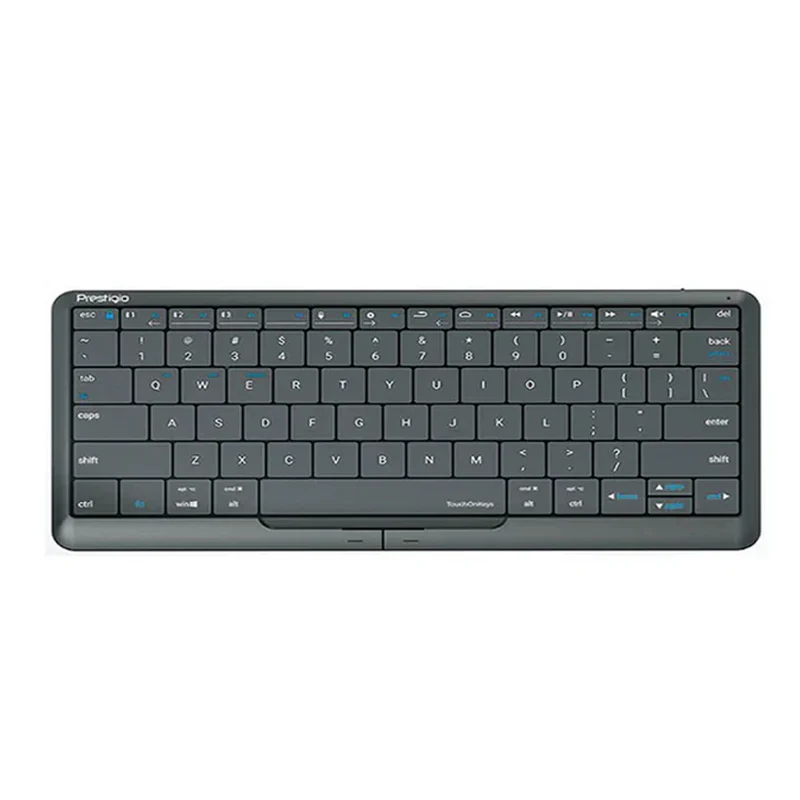
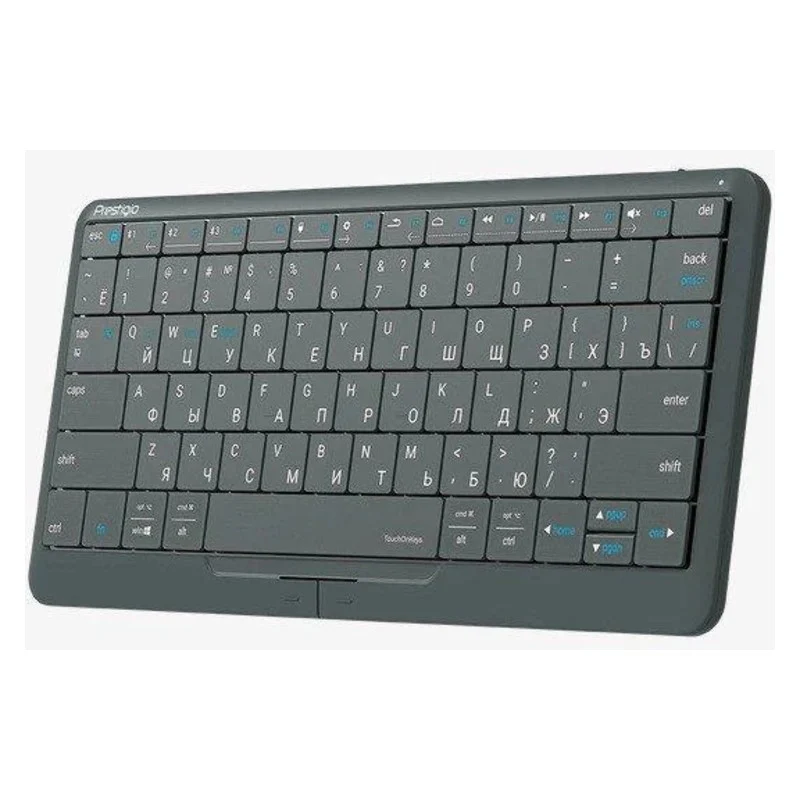
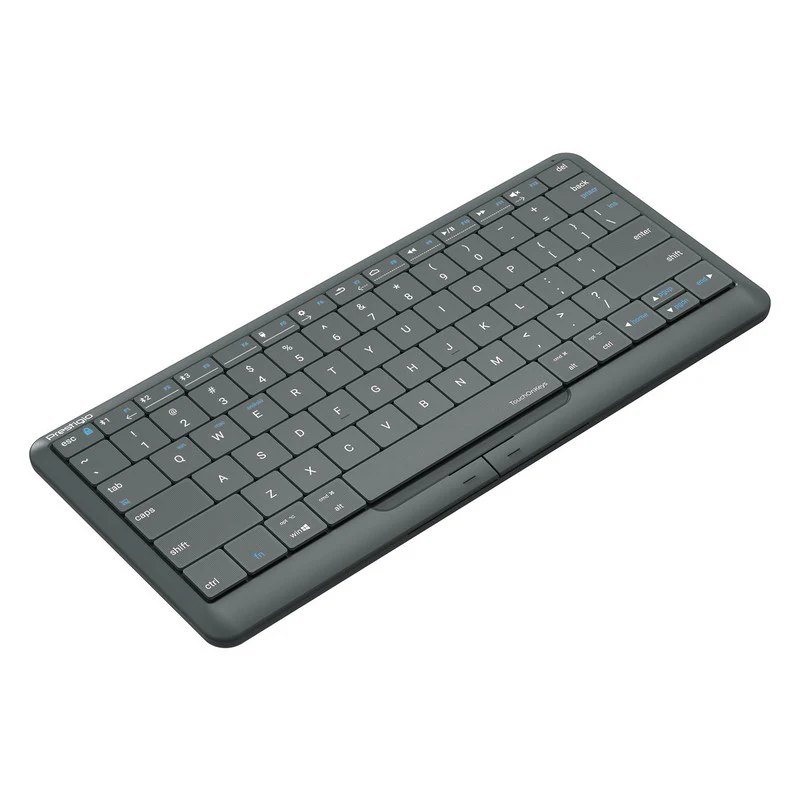
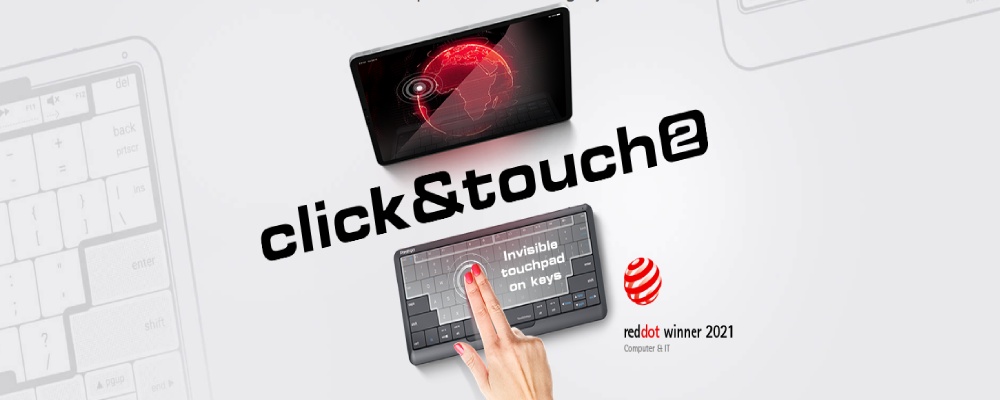
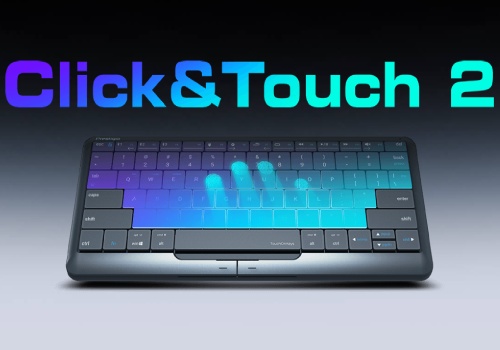
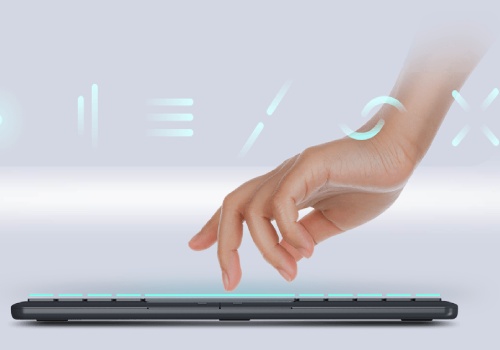
It is very convenient to have a keyboard with a touchpad. However, it is much more convenient when the keyboard is the touchpad itself. More than 80% of the Click&Touch 2's working surface is a touchpad. You can use the keyboard as a touchpad to control the cursor, click, zoom, and scroll through content. You can also use the usual left and right mouse buttons to easily select and drag the necessary objects.

Suitable For Everyone

The Clevetura App makes it possible to customize the position of the touch area solely for yourself. The entire surface can be touch-sensitive, or only the right or left-hand side of it. This feature makes the use of Click&Touch 2 convenient for both right-handed and left-handed users.

Easy-To-Use Touch Multimedia Sliders

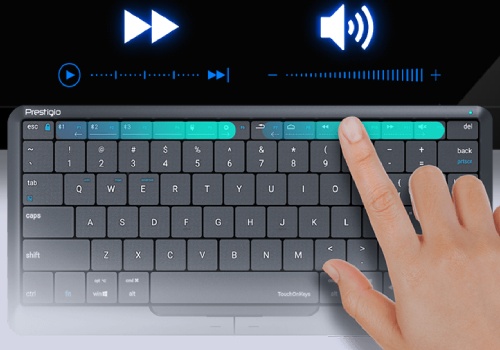
It is now much more enjoyable to watch your favorite movies by using the Click&Touch 2 keyboard. You can easily find the necessary point in the video by swiping on the left-hand side of the upper keyboard row. The right part is used to adjust the sound range comfortable for you.

Enjoy Typing

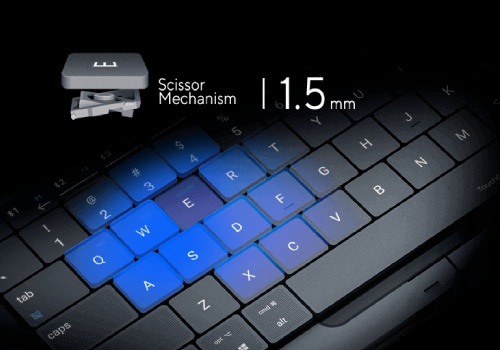
You will not feel any discomfort when typing on the Click&Touch 2, as scissor-switch keys are pressed just as on a laptop. Typing will turn out to be a fast, accurate, and convenient process when you have a tactile keyboard and a 1.5mm keystroke.

Truly Smart Keyboard

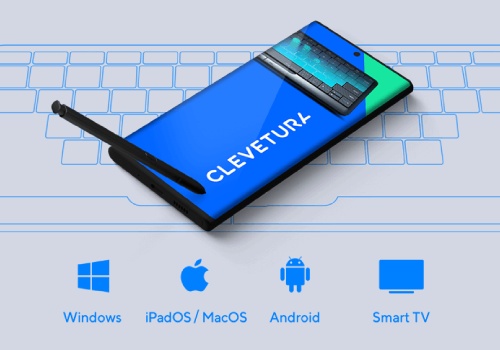
You will be surprised to learn the number of different user settings for this keyboard. The Clevetura App makes it possible not just to update the firmware to the latest version, but also to adjust the size of the touch zone and its location, as well as to change the cursor sensitivity settings, and to select settings profiles for iPadOS, Mac OS, Android, and Windows.

Single Keyboard For All Devices

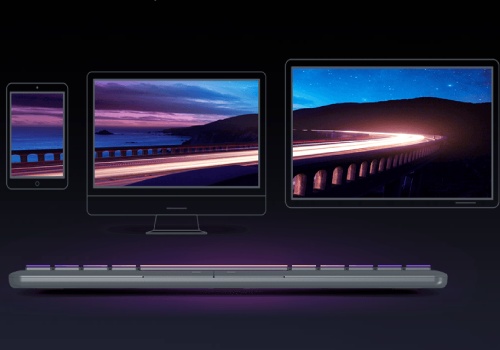
Do you need to operate multiple devices? Click&Touch 2 will cope with this task easier than you think because it can be connected to 4 devices at the same time. There are three Bluetooth channels and a USB Type-C connector for this purpose. Click&Touch 2 is compatible with mobile devices, game consoles, computers, interactive panels, and of course, Smart TVs.

What About Ipad? Ipad Too!

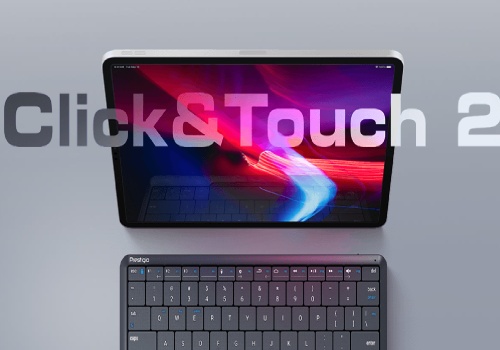
You must agree that the typing procedure can be much faster and more convenient using a normal keyboard rather than an onscreen keyboard. Click&Touch 2 will turn your Apple tablet into a laptop whenever you need it. Just connect it via Bluetooth and use the cursor and usual iPad gestures on the keyboard for a comfortable work experience.

Specifications

Brand

Prestigio

Type

Keyboard

Connectivity Technology

Wired and Wireless

Wireless Technology

Bluetooth

Number of Buttons

78

External Colour

Black/Silver

Included Accessories

Quick Start Guide • USB Receiver
Quick Start Guide

Cable Included

USB Type C Cable

Built-in Devices

LED Indicator

Compliant Devices

Tablet PC
Smartphone
iPad
Smart TV
Interactive Panels
Video Game Consoles
Computers

Depth (mm) Height (mm) Width (mm) Weight

128 mm 11.7 mm 280 mm 283 g

Keyboard Features

TouchOnKeys - huge invisible touchpad and mechanical keys
80% of the keyboard surface is the touchpad
Touch multimedia sliders
Scissor mechanical keys with 1.5mm stroke
Left and right physical "mouse" buttons
Settings and updates via Clevetura App (Android and iOS)
Multi-Device Connect Support - Up to 4 Devices Simultaneously

$64.38
Prestigio Click & Touch 2 Smart Wireless Keyboard with Touch On Keys—
$64.38

Product Information

Shipping & Returns

Description

Prestigio Click & Touch 2 Smart Wireless Keyboard with Touch On Keys

Keys, Touchpad, And Mouse Symbiosis

It is very convenient to have a keyboard with a touchpad. However, it is much more convenient when the keyboard is the touchpad itself. More than 80% of the Click&Touch 2's working surface is a touchpad. You can use the keyboard as a touchpad to control the cursor, click, zoom, and scroll through content. You can also use the usual left and right mouse buttons to easily select and drag the necessary objects.

Suitable For Everyone

The Clevetura App makes it possible to customize the position of the touch area solely for yourself. The entire surface can be touch-sensitive, or only the right or left-hand side of it. This feature makes the use of Click&Touch 2 convenient for both right-handed and left-handed users.

Easy-To-Use Touch Multimedia Sliders

It is now much more enjoyable to watch your favorite movies by using the Click&Touch 2 keyboard. You can easily find the necessary point in the video by swiping on the left-hand side of the upper keyboard row. The right part is used to adjust the sound range comfortable for you.

Enjoy Typing

You will not feel any discomfort when typing on the Click&Touch 2, as scissor-switch keys are pressed just as on a laptop. Typing will turn out to be a fast, accurate, and convenient process when you have a tactile keyboard and a 1.5mm keystroke.

Truly Smart Keyboard

You will be surprised to learn the number of different user settings for this keyboard. The Clevetura App makes it possible not just to update the firmware to the latest version, but also to adjust the size of the touch zone and its location, as well as to change the cursor sensitivity settings, and to select settings profiles for iPadOS, Mac OS, Android, and Windows.

Single Keyboard For All Devices

Do you need to operate multiple devices? Click&Touch 2 will cope with this task easier than you think because it can be connected to 4 devices at the same time. There are three Bluetooth channels and a USB Type-C connector for this purpose. Click&Touch 2 is compatible with mobile devices, game consoles, computers, interactive panels, and of course, Smart TVs.

What About Ipad? Ipad Too!

You must agree that the typing procedure can be much faster and more convenient using a normal keyboard rather than an onscreen keyboard. Click&Touch 2 will turn your Apple tablet into a laptop whenever you need it. Just connect it via Bluetooth and use the cursor and usual iPad gestures on the keyboard for a comfortable work experience.

Specifications

Brand

Prestigio

Type

Keyboard

Connectivity Technology

Wired and Wireless

Wireless Technology

Bluetooth

Number of Buttons

78

External Colour

Black/Silver

Included Accessories

Quick Start Guide • USB Receiver
Quick Start Guide

Cable Included

USB Type C Cable

Built-in Devices

LED Indicator

Compliant Devices

Tablet PC
Smartphone
iPad
Smart TV
Interactive Panels
Video Game Consoles
Computers

Depth (mm) Height (mm) Width (mm) Weight

128 mm 11.7 mm 280 mm 283 g

Keyboard Features

TouchOnKeys - huge invisible touchpad and mechanical keys
80% of the keyboard surface is the touchpad
Touch multimedia sliders
Scissor mechanical keys with 1.5mm stroke
Left and right physical "mouse" buttons
Settings and updates via Clevetura App (Android and iOS)
Multi-Device Connect Support - Up to 4 Devices Simultaneously