🚚 Free Worldwide Shipping on All Orders!Shop Now

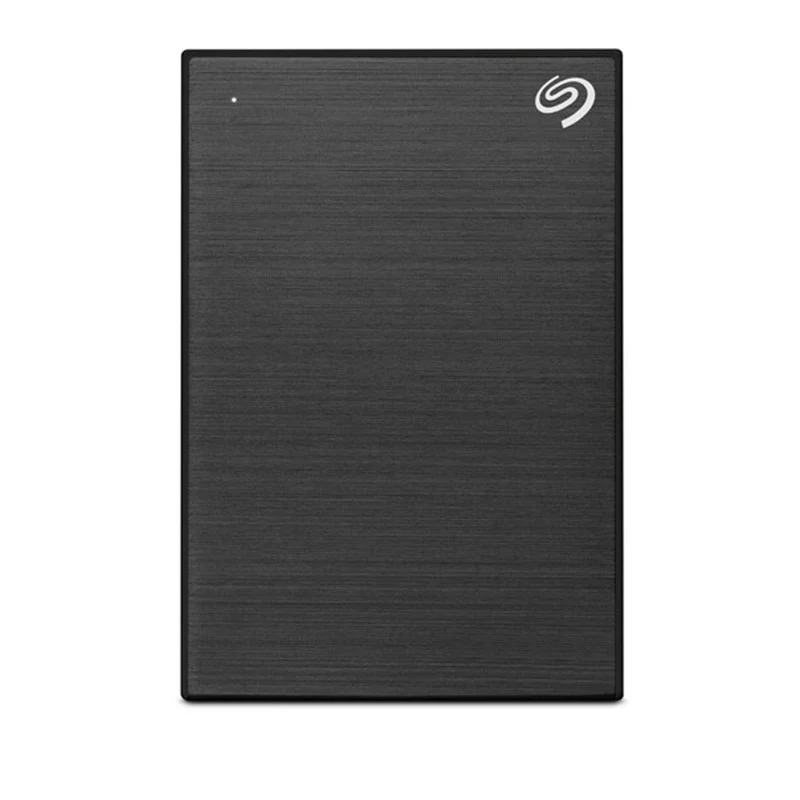
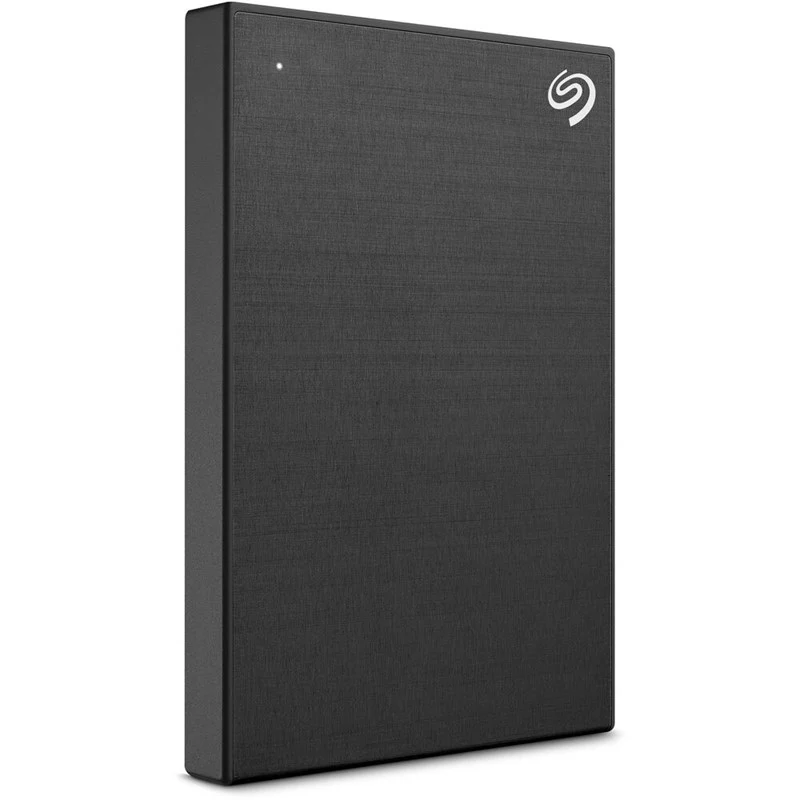
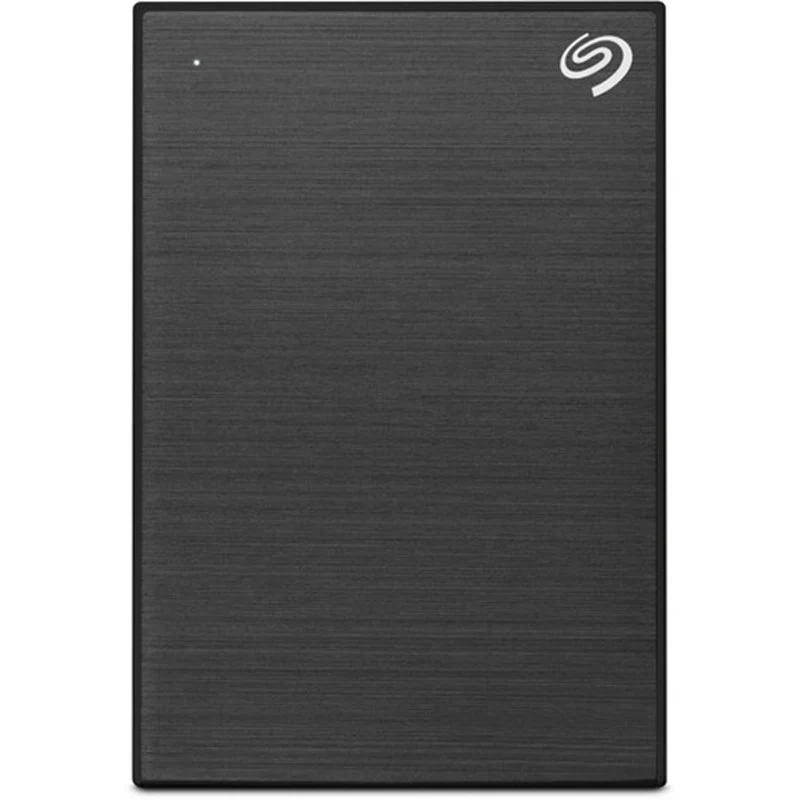
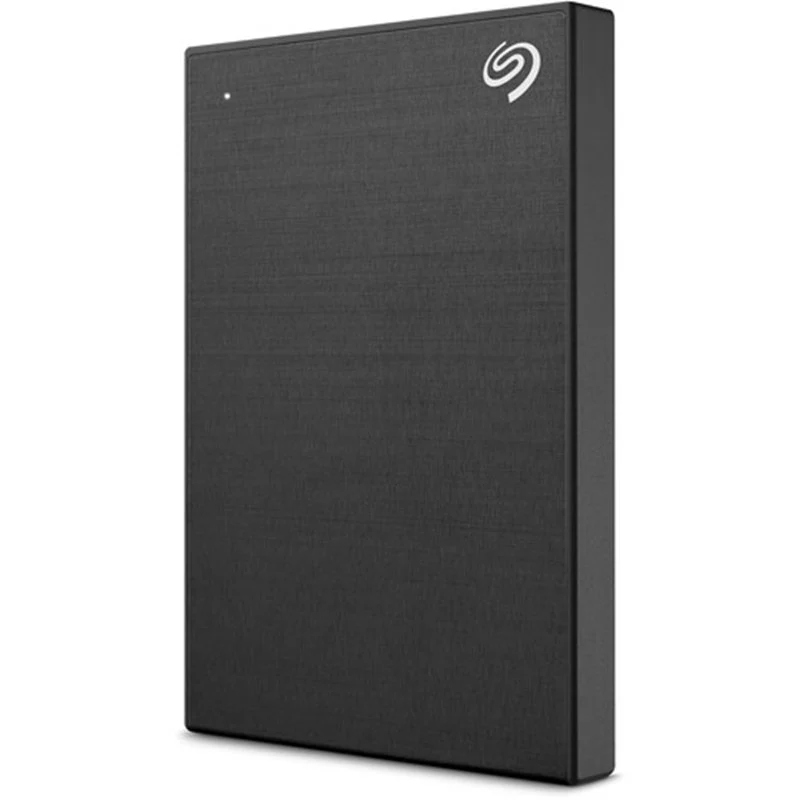
Seagate 1 TB One Touch USB 3.2 Gen 1 External Hard Drive with Password Protection
Seagate One Touch USB 3.2 Gen 1 External Hard Drive |
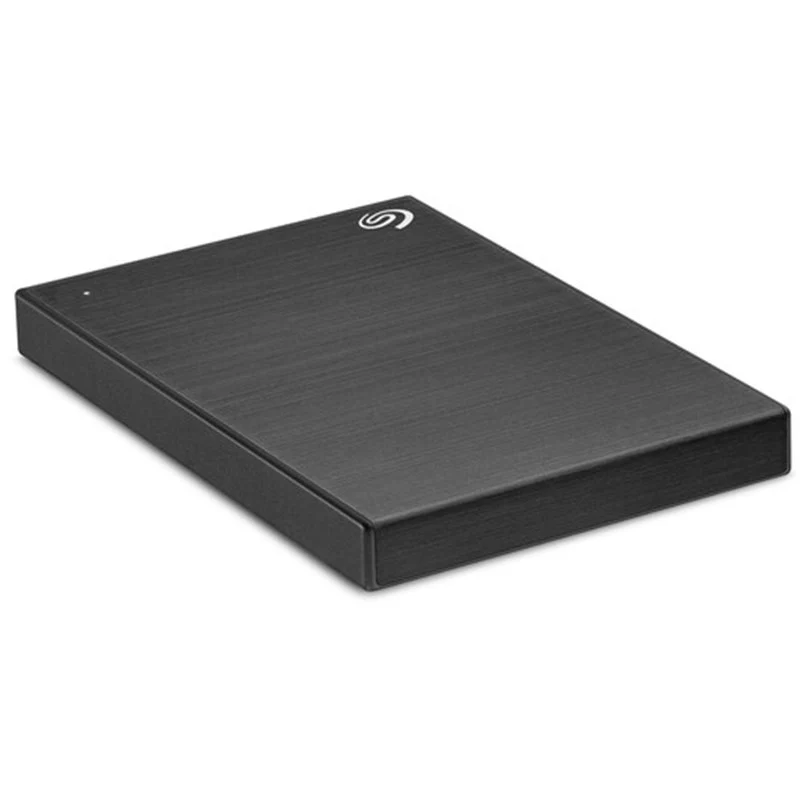
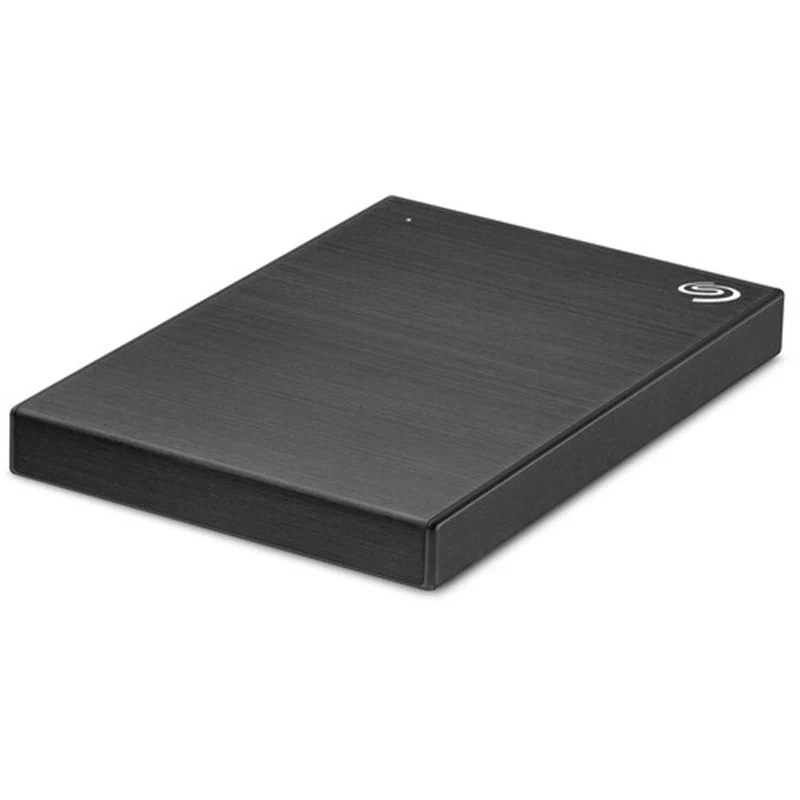
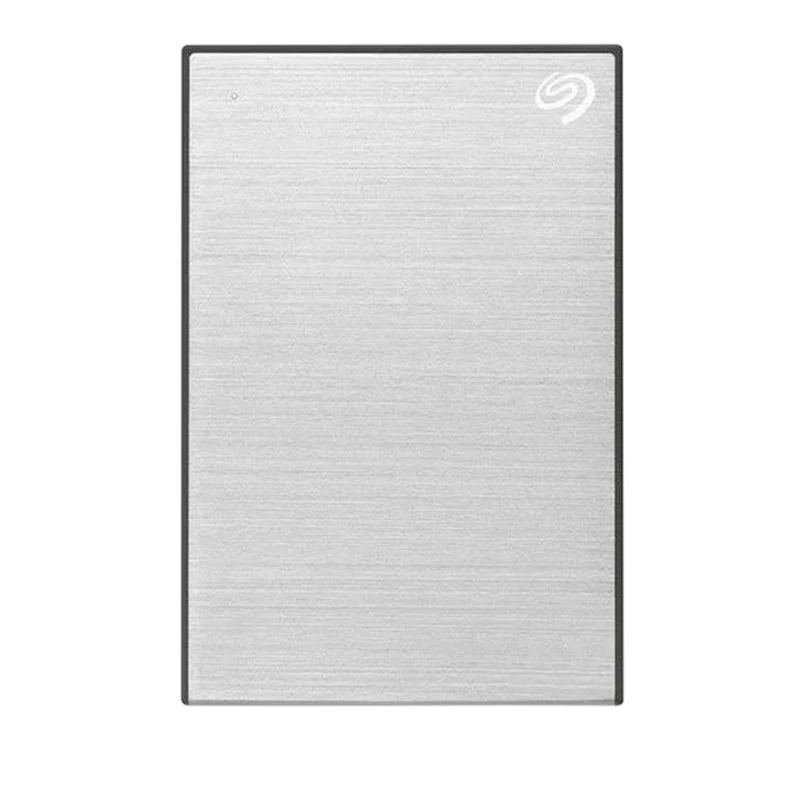
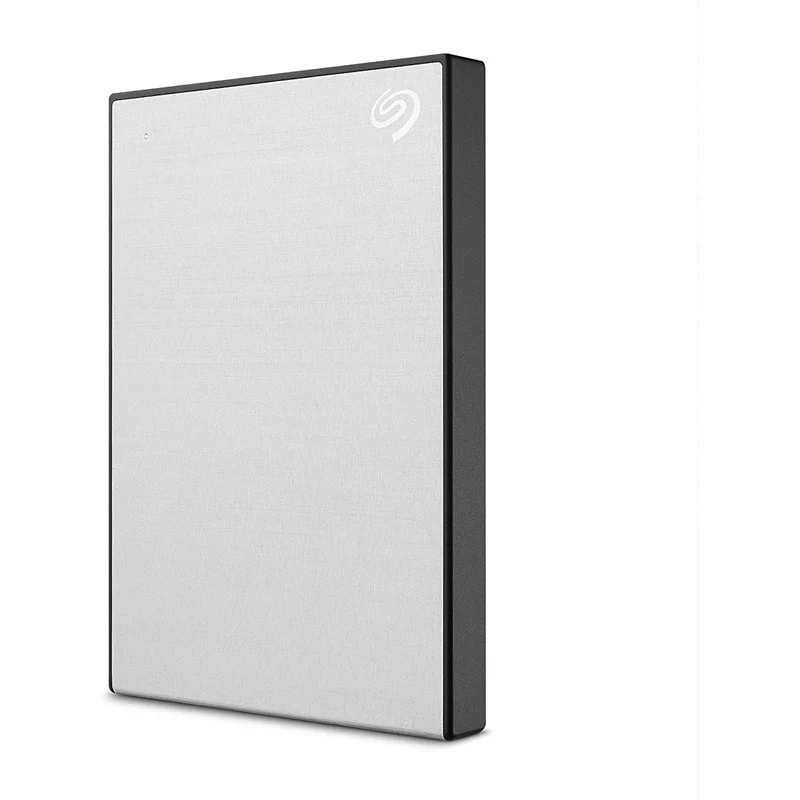
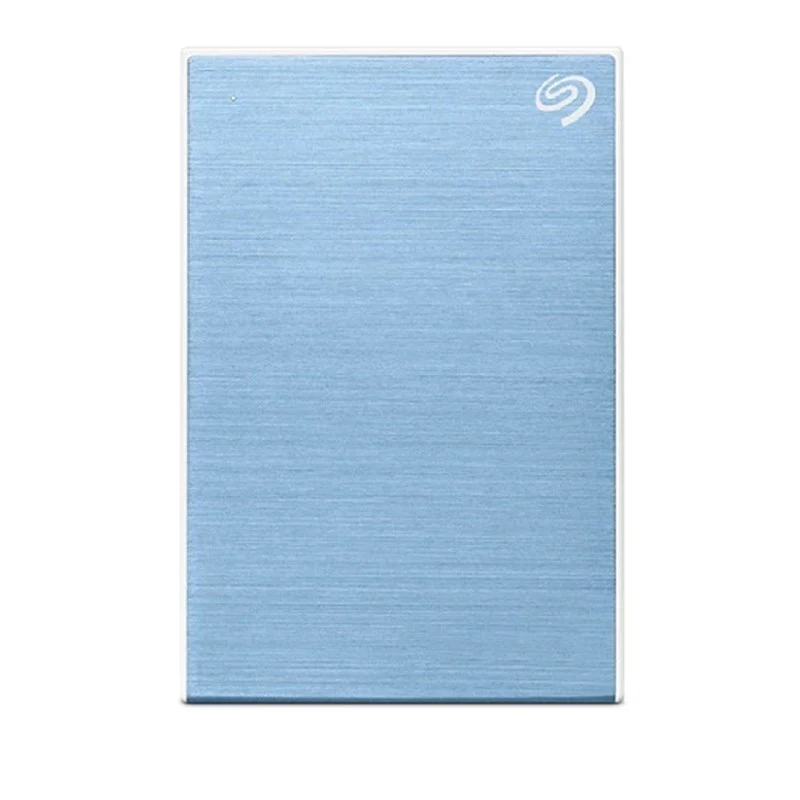
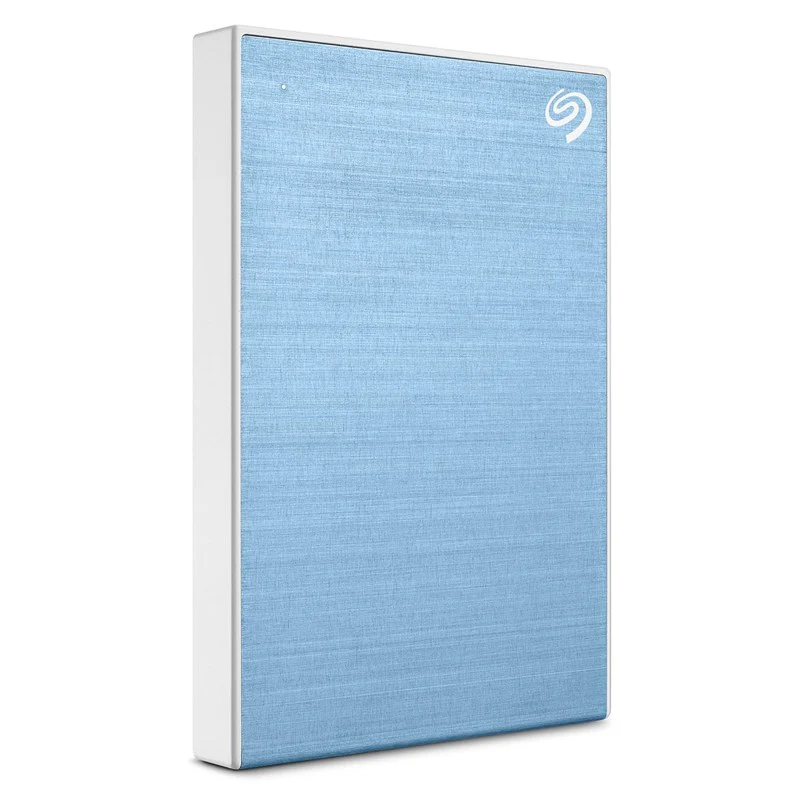
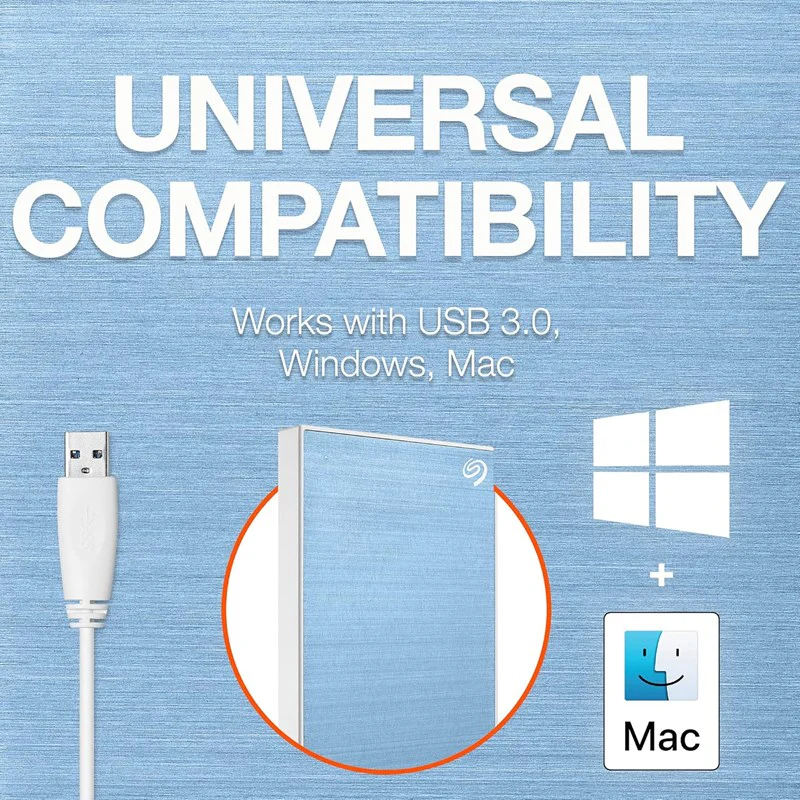
Protected by password-activated AES-256 hardware encryption, the One Touch USB 3.2 Gen 1 External Hard Drive from Seagate lets you store and access photos and files on the go.Beneath its black exterior, the One Touch is equipped with a hard drive and a bus-powered micro-USB 3.2 Gen 1 (USB 3.1 Gen 1/3.0) interface.The One Touch is formatted as exFAT, meaning it will work with most Windows and Mac systems, without the need for a reformat. However, a reformat may be required for use with Apple's Time Machine.Password activated hardware encryption helps keep files and photos safeTextured metal finish fits in with modern lifestyle elementsCompatible with USB 3.2 Gen 1 (USB 3.1 Gen 1/3.0)Powered by its USB connection, which offers customized backup and folder mirroringDrop files into the designated folder for automatic file synchronizationWorks with Windows and Mac without the need to reformat |
Select Color
Select Connectivity
From $61.14
Seagate 1 TB One Touch USB 3.2 Gen 1 External Hard Drive with Password Protection—
$61.14
Product Information
Product Information
Shipping & Returns
Shipping & Returns
Description
Seagate One Touch USB 3.2 Gen 1 External Hard Drive |
Protected by password-activated AES-256 hardware encryption, the One Touch USB 3.2 Gen 1 External Hard Drive from Seagate lets you store and access photos and files on the go.Beneath its black exterior, the One Touch is equipped with a hard drive and a bus-powered micro-USB 3.2 Gen 1 (USB 3.1 Gen 1/3.0) interface.The One Touch is formatted as exFAT, meaning it will work with most Windows and Mac systems, without the need for a reformat. However, a reformat may be required for use with Apple's Time Machine.Password activated hardware encryption helps keep files and photos safeTextured metal finish fits in with modern lifestyle elementsCompatible with USB 3.2 Gen 1 (USB 3.1 Gen 1/3.0)Powered by its USB connection, which offers customized backup and folder mirroringDrop files into the designated folder for automatic file synchronizationWorks with Windows and Mac without the need to reformat |