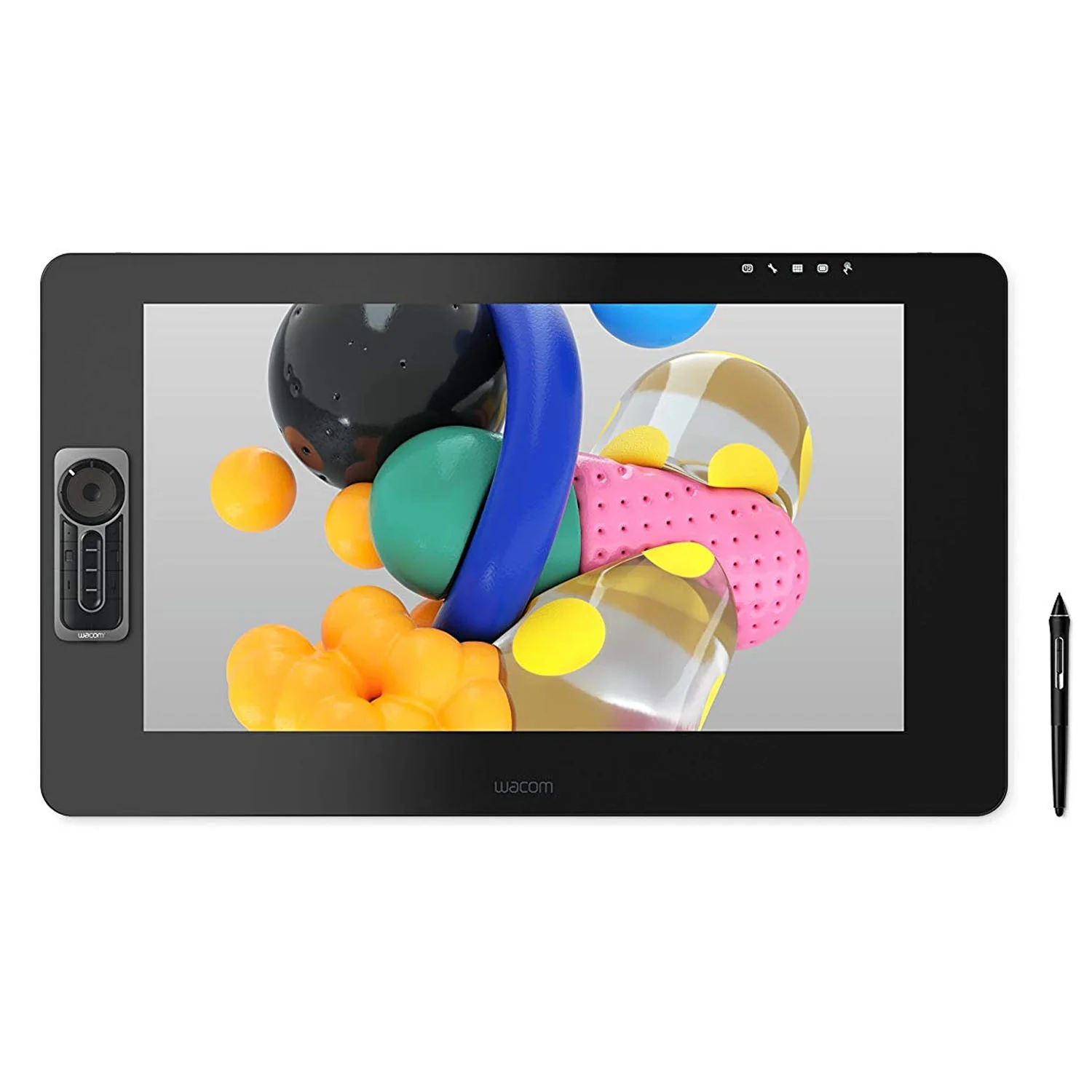
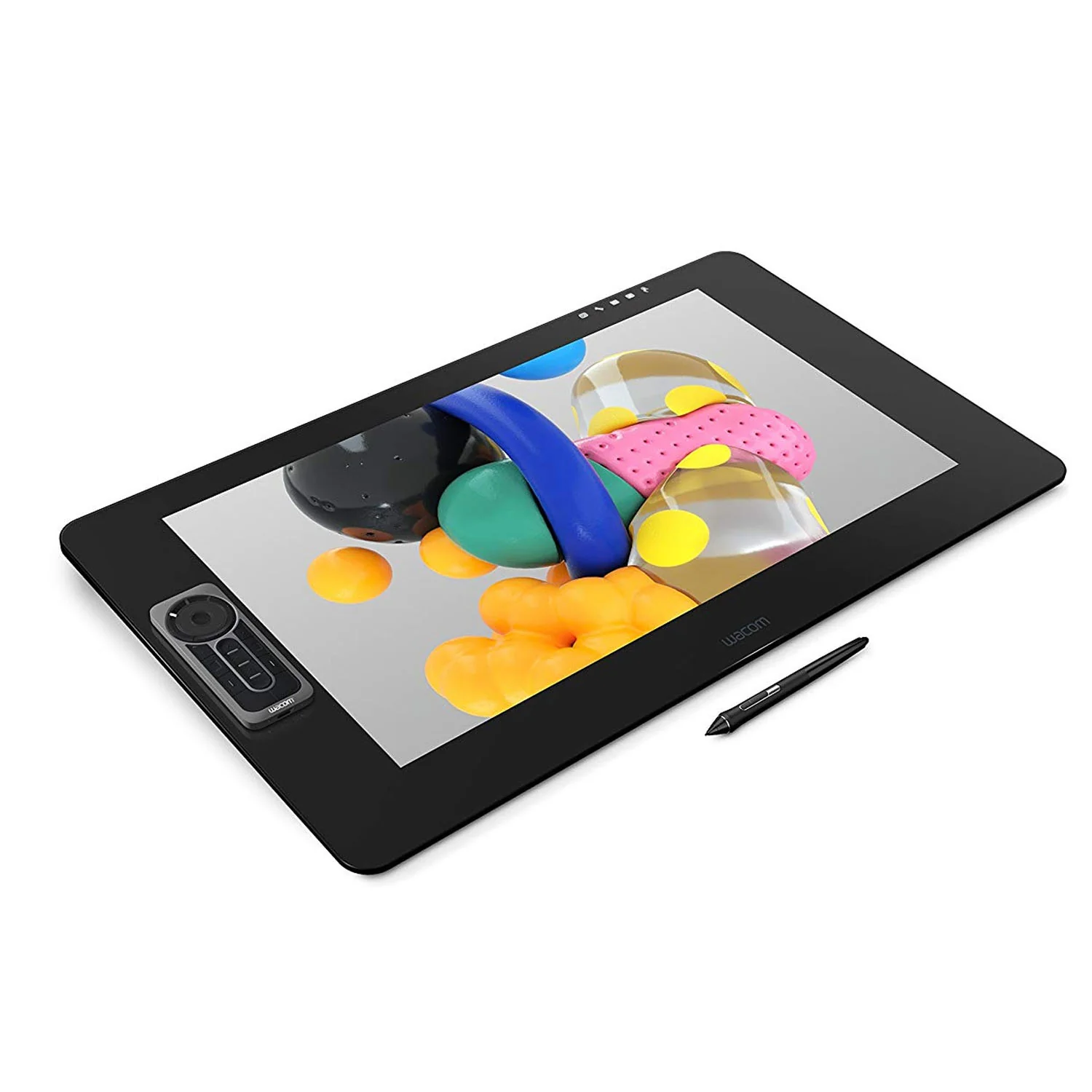
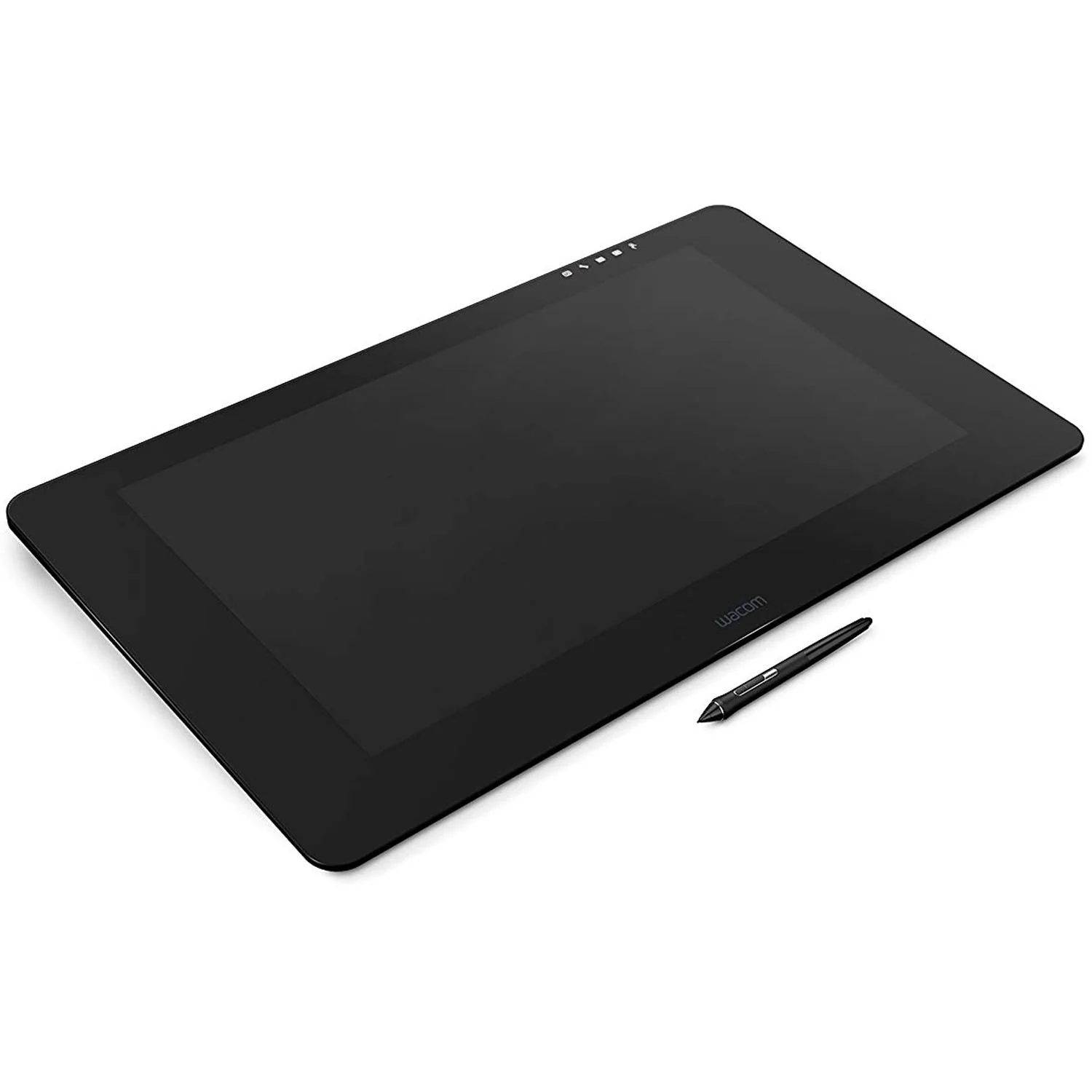
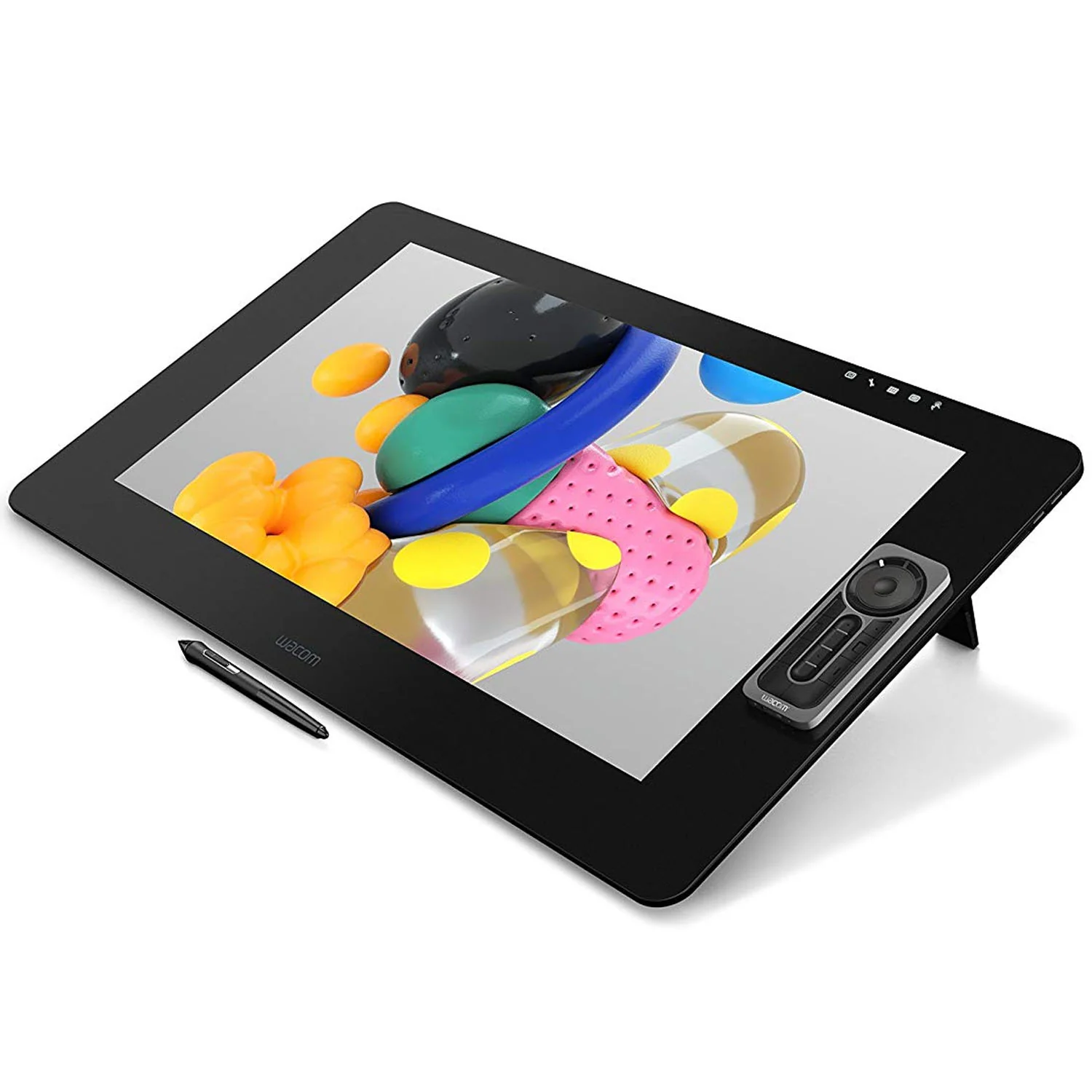
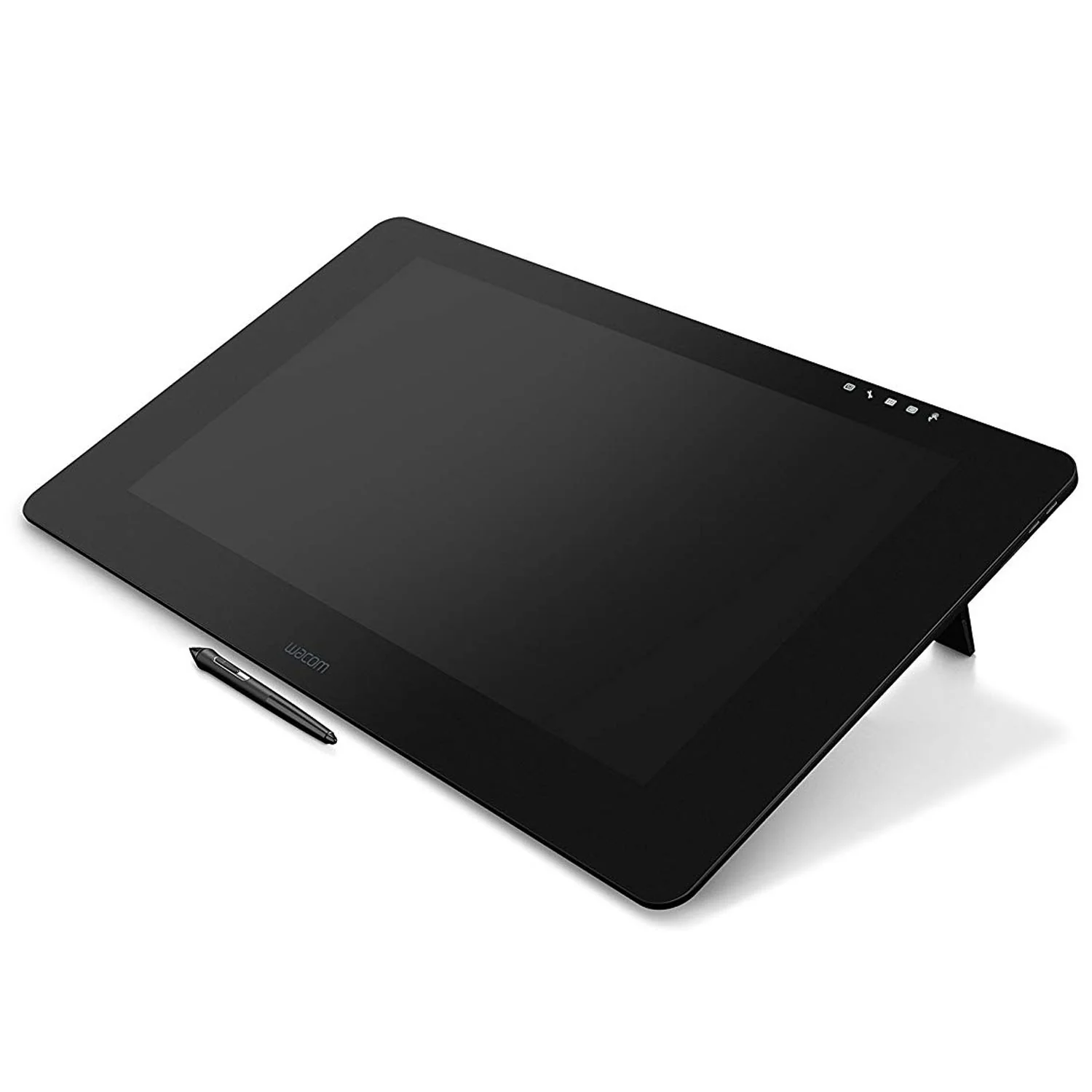
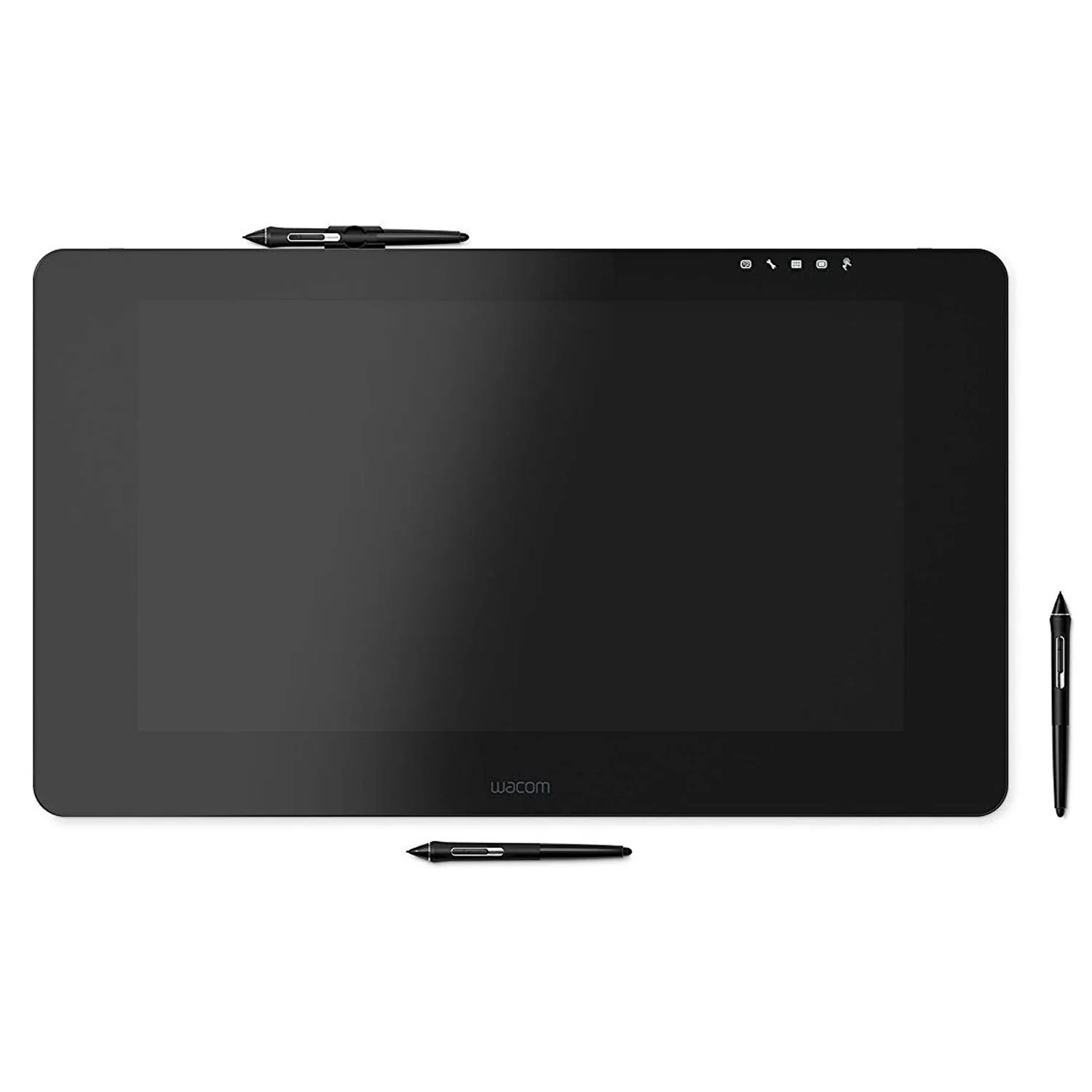
Wacom DTH-2452, 24", 4K Ultra HD Multi-Touch, Wacom Pro Pen 2, for Windows and Mac
Wacom DTH-2452, 24", 4K Ultra HD Multi-Touch, Wacom Pro Pen 2
Our state-of-the-art creative pen technology. 8,192 levels of pressure sensitivity and unparalleled tilt recognition means that every stroke, every move of your hand is followed with unerring accuracy.
4x more pressure sensitive
4x more accurate
Virtually no lag
Natural tilt support
No parallax
No batteries or recharging
Compared to Wacom Pro Pen
Ideas Jump Off The Screen
4K resolution (3840 x 2160 px) is packed into a 24” LCD display with superb color accuracy (99% of Adobe RGB). You can see every tiny detail of your greatest artwork, design or photographic projects.
A Display That Looks, And Feels, Totally Natural
The etched glass screen provides a distinct, tactile experience as you draw, mimicking the feel of a pen on paper. And with minimized parallax, and a screen strong enough to resist ‘pooling’ and rippling, each mark appears precisely where you expect it, every time.
Designed To Increase Your Productivity
As a creative professional, time’s rarely on your side. That’s why Wacom Cintiq Pro puts productivity solutions right at your fingertips.
Connect Your Way
Connect to any Mac or PC with a single USB-C cable (included) to a USB-C port for both video and data. DisplayPort or HDMI are also included, which require USB port for data.
Make It Match You
The ExpressKey Remote puts 17 programmable buttons within easy reach. The on-screen keypad and the radial menus offer further one-touch shortcuts.
A Natural Interface
Pan, zoom or rotate your work with multi-touch gestures - as simple as using your smartphone.
Available on Wacom Cintiq Pro 24 touch mode.
Add Computing Power - With Wacom Cintiq Pro Engine
Transform your Cintiq Pro 24 or 32 into a powerful standalone creative pen computer with the Wacom Cintiq Pro Engine creative PC module.
It features high-power processors, including Intel Xeon (depending on model), NVIDIA Quadro graphics, and user-upgradable SSDs and memory (up to 32 GB).
Its innovative design attaches seamlessly into the back of your Cintiq Pro 24 or 32, eliminating tangles of cables, and creating a convenient working environment.
Both configurations are VR capable for creating and reviewing VR content
Create In Comfort With Wacom Ergo Stand
To create in complete comfort, attach the Wacom Ergo Stand to your Cintiq Pro 24 or 32. It allows you to raise, tilt and rotate your pen display to easily adjust the viewing angle and find the most natural position for you.
Once attached to Ergo Stand, your Cintiq Pro 24 or 32 becomes a stable surface on which to create – just like drawing at a drafting table. Plus, you can rotate the display as you’d move a sheet of paper to draw at a fresh angle.
Wacom Cintiq Pro Engine
If you need the computing power of fast CPUs and optimized GPUs, combine the creative PC module Cintiq Pro Engine with your Wacom Cintiq Pro 24 or 32. It is designed for 3D modeling, CAD and manipulating high pixel-count images, turning your pen display into a powerful pen computer.
Wacom Ergo Stand
To create in complete comfort, attach the Ergo Stand It allows you to raise, tilt and rotate your pen display to easily adjust the viewing angle and find the most natural position for you.
Wacom Color Manager
Wacom Color Manager is designed to give you precision color calibration, better image quality and improved uniformity in one easy-to-use device that calibrates everything in your workflow.
Product Information
Product Information
Shipping & Returns
Shipping & Returns
Description
Wacom DTH-2452, 24", 4K Ultra HD Multi-Touch, Wacom Pro Pen 2
Our state-of-the-art creative pen technology. 8,192 levels of pressure sensitivity and unparalleled tilt recognition means that every stroke, every move of your hand is followed with unerring accuracy.
4x more pressure sensitive
4x more accurate
Virtually no lag
Natural tilt support
No parallax
No batteries or recharging
Compared to Wacom Pro Pen
Ideas Jump Off The Screen
4K resolution (3840 x 2160 px) is packed into a 24” LCD display with superb color accuracy (99% of Adobe RGB). You can see every tiny detail of your greatest artwork, design or photographic projects.
A Display That Looks, And Feels, Totally Natural
The etched glass screen provides a distinct, tactile experience as you draw, mimicking the feel of a pen on paper. And with minimized parallax, and a screen strong enough to resist ‘pooling’ and rippling, each mark appears precisely where you expect it, every time.
Designed To Increase Your Productivity
As a creative professional, time’s rarely on your side. That’s why Wacom Cintiq Pro puts productivity solutions right at your fingertips.
Connect Your Way
Connect to any Mac or PC with a single USB-C cable (included) to a USB-C port for both video and data. DisplayPort or HDMI are also included, which require USB port for data.
Make It Match You
The ExpressKey Remote puts 17 programmable buttons within easy reach. The on-screen keypad and the radial menus offer further one-touch shortcuts.
A Natural Interface
Pan, zoom or rotate your work with multi-touch gestures - as simple as using your smartphone.
Available on Wacom Cintiq Pro 24 touch mode.
Add Computing Power - With Wacom Cintiq Pro Engine
Transform your Cintiq Pro 24 or 32 into a powerful standalone creative pen computer with the Wacom Cintiq Pro Engine creative PC module.
It features high-power processors, including Intel Xeon (depending on model), NVIDIA Quadro graphics, and user-upgradable SSDs and memory (up to 32 GB).
Its innovative design attaches seamlessly into the back of your Cintiq Pro 24 or 32, eliminating tangles of cables, and creating a convenient working environment.
Both configurations are VR capable for creating and reviewing VR content
Create In Comfort With Wacom Ergo Stand
To create in complete comfort, attach the Wacom Ergo Stand to your Cintiq Pro 24 or 32. It allows you to raise, tilt and rotate your pen display to easily adjust the viewing angle and find the most natural position for you.
Once attached to Ergo Stand, your Cintiq Pro 24 or 32 becomes a stable surface on which to create – just like drawing at a drafting table. Plus, you can rotate the display as you’d move a sheet of paper to draw at a fresh angle.
Wacom Cintiq Pro Engine
If you need the computing power of fast CPUs and optimized GPUs, combine the creative PC module Cintiq Pro Engine with your Wacom Cintiq Pro 24 or 32. It is designed for 3D modeling, CAD and manipulating high pixel-count images, turning your pen display into a powerful pen computer.
Wacom Ergo Stand
To create in complete comfort, attach the Ergo Stand It allows you to raise, tilt and rotate your pen display to easily adjust the viewing angle and find the most natural position for you.
Wacom Color Manager
Wacom Color Manager is designed to give you precision color calibration, better image quality and improved uniformity in one easy-to-use device that calibrates everything in your workflow.